Tunnel (Flare 2)
A preset with a heavy vignette and significantly desaturated.

A preset with a heavy vignette and significantly desaturated.
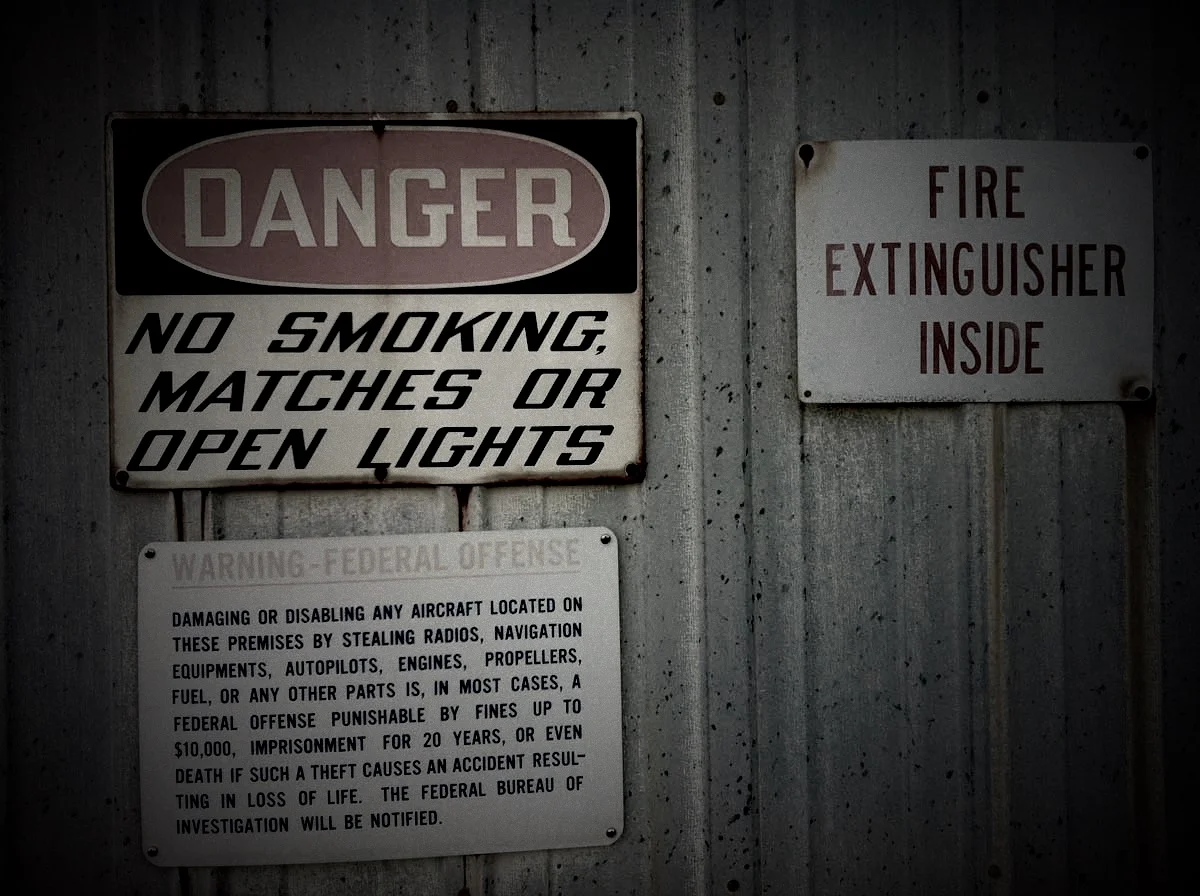
Rose-Colored Glasses is a filter that lets you tint an entire image. And by changing the color of the Duotone effect, you can switch it to any color you want.
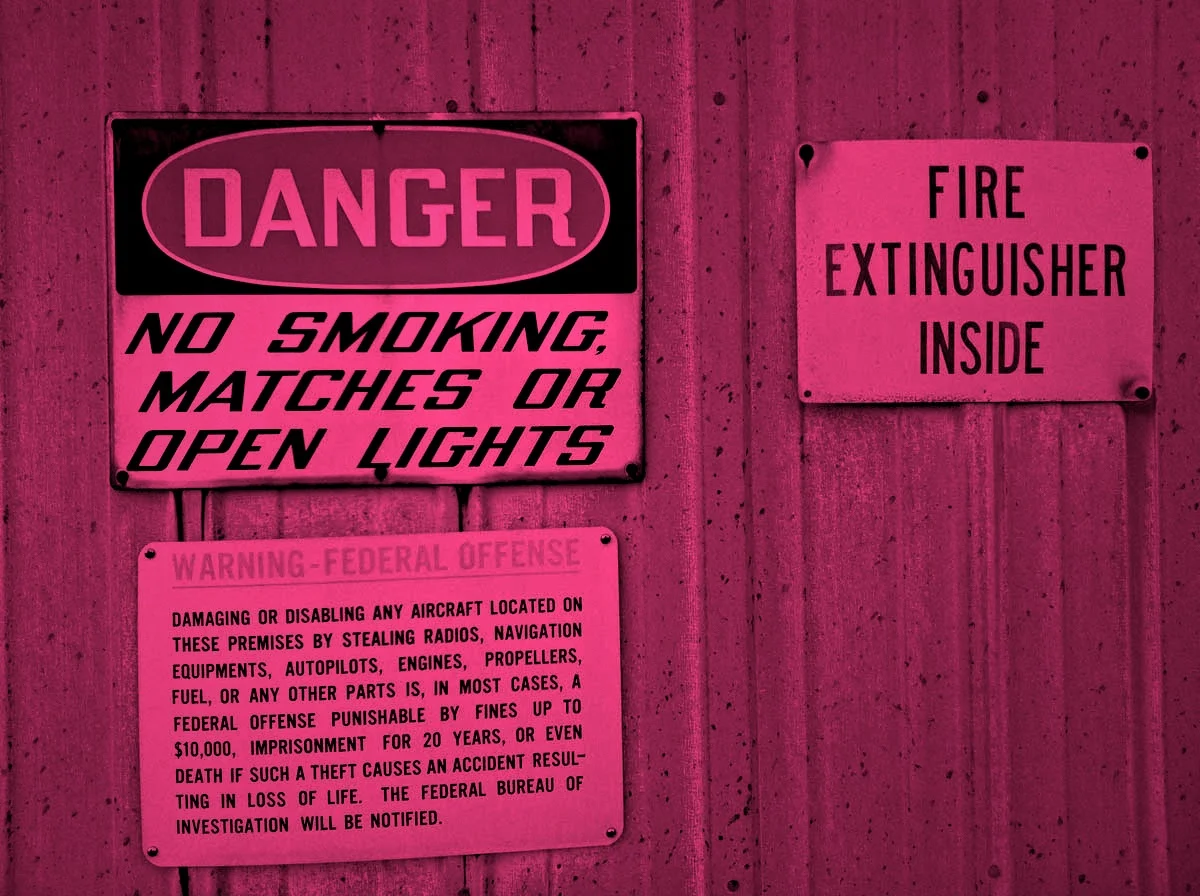
Inspired by my trip to Idaho, Wyoming and Montana.

Inspired by an abandoned helipad hanger with a bunch of warning signs on the outside.

Inspired by a group of warning signs on the outside of an abandoned hanger.

An aged black and white filter. Inspired by some shots I took in an old warehouse district in Columbia, South Carolina.
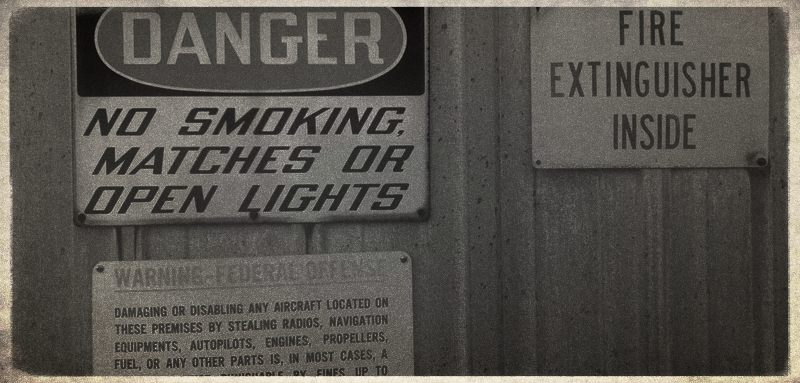
Desaturates color and adds a vignette. Makes a photo look overcast. Makes an illustration look weathered.

Darkens an image and adds a strong vignette. Looks like a flashlight at night.

An unique preset that over exposes the image, adds contrast and then mixes in a color halftone.
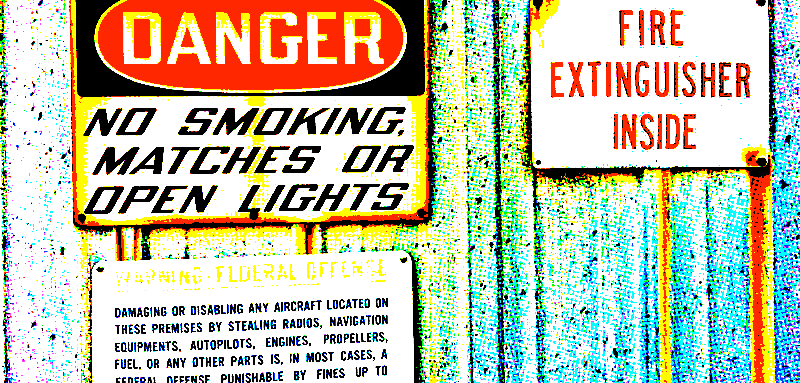
Inspired by some old images from a trip to Monterey, California. Sharpening, saturation and a bunch of other tweaks plus a strong black frame.

A very high contrast black and white effect.

Inspired by a picture of a crab. Mixes a little saturation and contrast with an orange vignette.
